
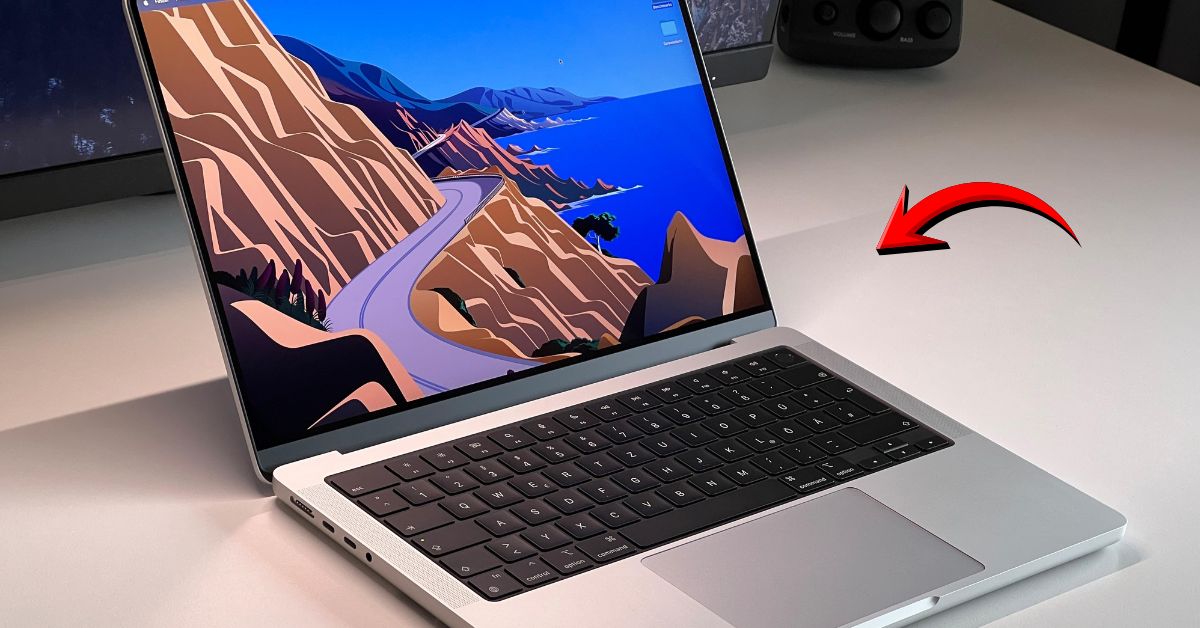
It is January 2026. The hype cycle has settled, and the MacBook Pro M4 has been on our desks for a while. When Apple launched this machine late in 2024, they promised one thing that silenced every critic: 16GB RAM as the base standard.
Gone are the days of the “8GB tax.” The new MacBook Pro M4 (Space Black edition) feels like the final form of the Apple Silicon era. It’s expensive—starting at ₹1,69,900—but it claims to obliterate everything in its path, from the Dell XPS to the Galaxy Book Ultra.
But here is the million-dollar question: In 2026, with the M5 whispers already starting, is the M4 still the best laptop money can buy? Or is it overkill for your Google Docs workflow? I used the 14-inch M4 Pro model as my daily driver to find out.
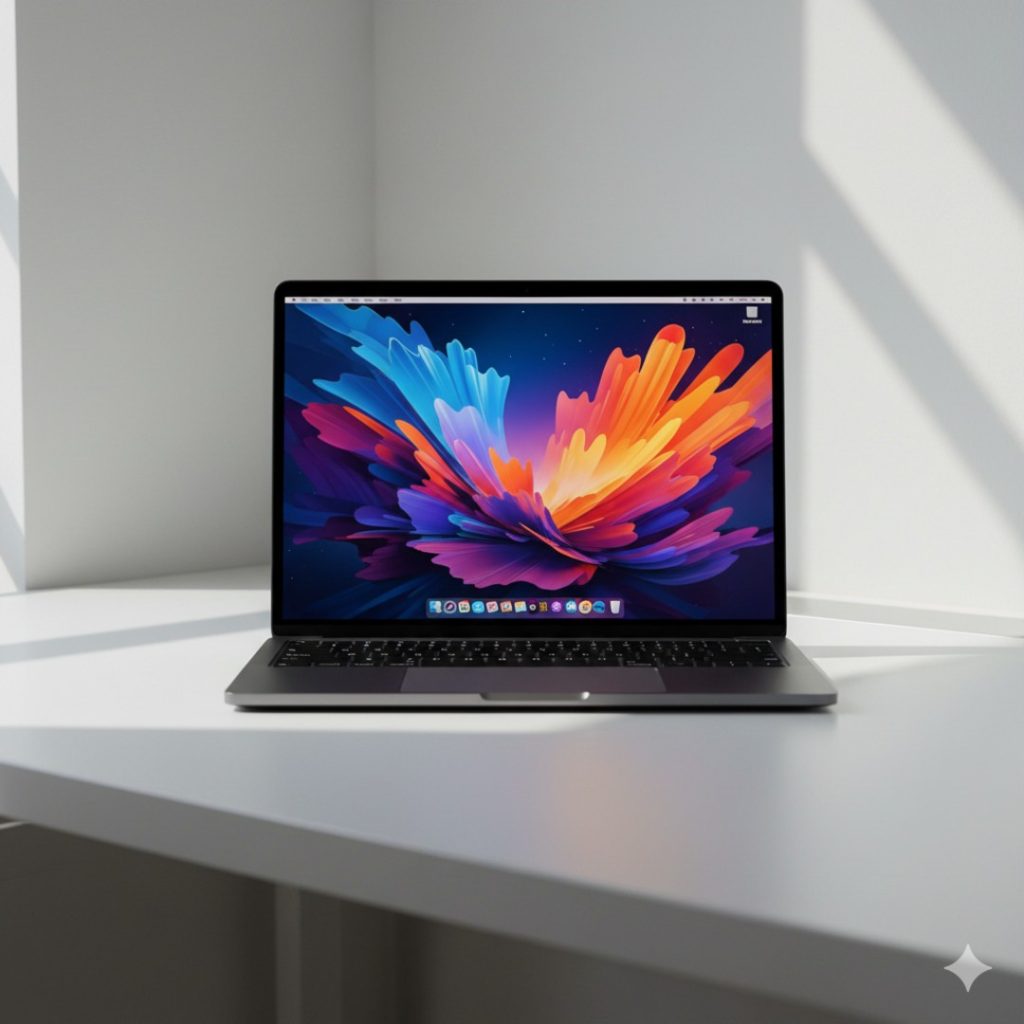
1. QUICK SPECS TABLE: The Beast on Paper
| Feature | MacBook Pro M4 (14-inch) Specifications |
| Processor | Apple M4 / M4 Pro / M4 Max (3nm) |
| Cores | Up to 14-Core CPU, 20-Core GPU (M4 Pro) |
| RAM | 16GB (Base) up to 128GB Unified Memory |
| Storage | 512GB / 1TB / 2TB / 8TB SSD (7.4 GB/s speed) |
| Display | 14.2″ Liquid Retina XDR, 120Hz ProMotion, 1600 nits Peak |
| Battery | 72.4 Wh (Rated for 24 Hours) |
| Ports | 3x Thunderbolt 5 (Pro/Max), HDMI 2.1, SD Card, MagSafe 3 |
| Weight | 1.55 kg (14-inch) |
| Price | Starts ₹1,69,900 (M4 Base) |
2. DESIGN & BUILD: The “Space Black” Magnet
If it ain’t broke, don’t fix it. Apple has stuck to the chassis introduced with the M1 Pro, and honestly, I’m not complaining.
- The Finish: The Space Black anodization is gorgeous. The “fingerprint seal” Apple talked about actually works better than expected. It’s not immune to smudges, but it’s far better than the Midnight Air.
- The Build: It is a tank. There is zero keyboard flex. The hinge is perfectly weighted—you can open it with one pinky finger.
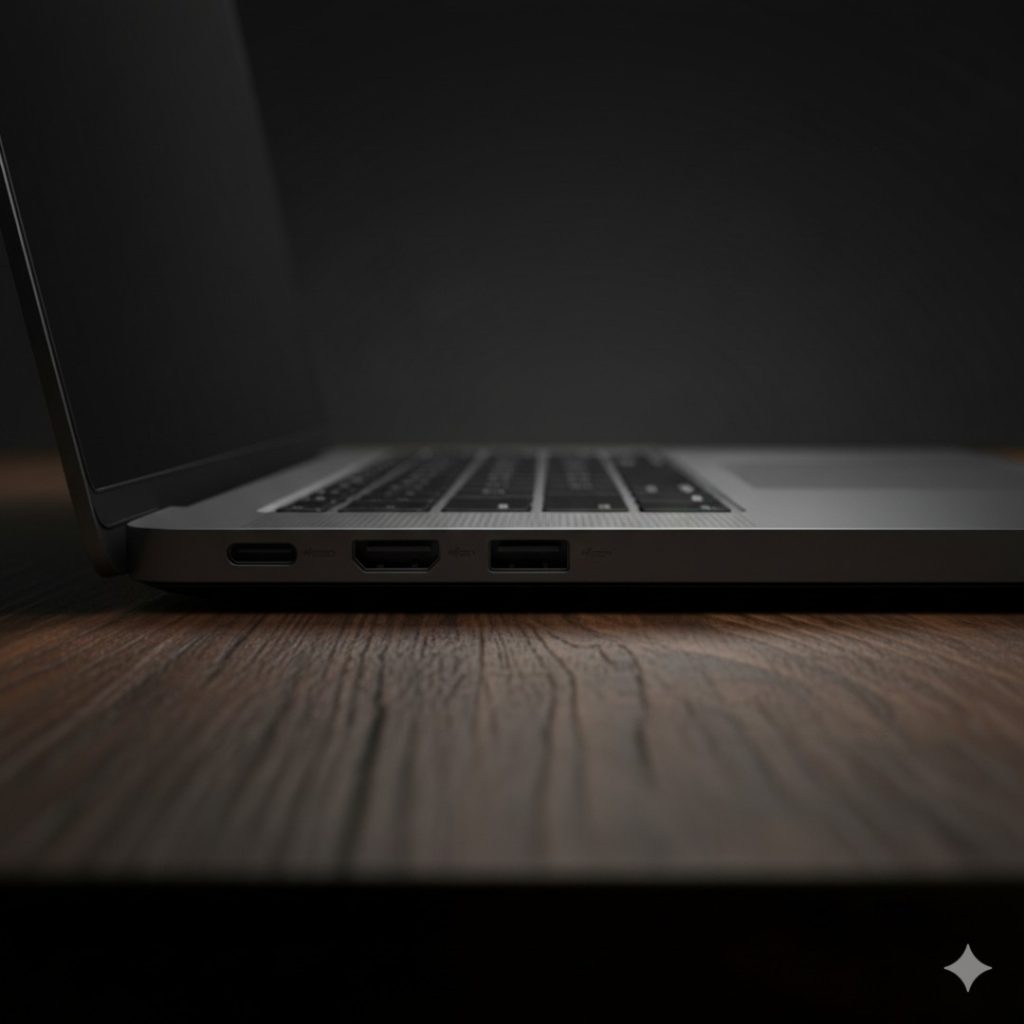
- Port Selection: Thank the tech gods, HDMI and the SD Card slot are still here. On the M4 Pro/Max models, the USB-C ports are now Thunderbolt 5, offering 120Gb/s speeds (though good luck finding accessories that use it yet).
3. DISPLAY & VISUALS: The Best Screen on a Laptop?
The Liquid Retina XDR display is still the gold standard.
- Brightness: SDR content now goes up to 1000 nits outdoors (up from 600 on older models). This means you can actually work on a balcony without squinting.
- The Notch: Yes, it’s still there. No, FaceID is not there. In 2026, this feels like a missed opportunity.
- ProMotion: The 120Hz refresh rate makes macOS animations feel fluid. Once you go 120Hz, standard 60Hz panels look broken.
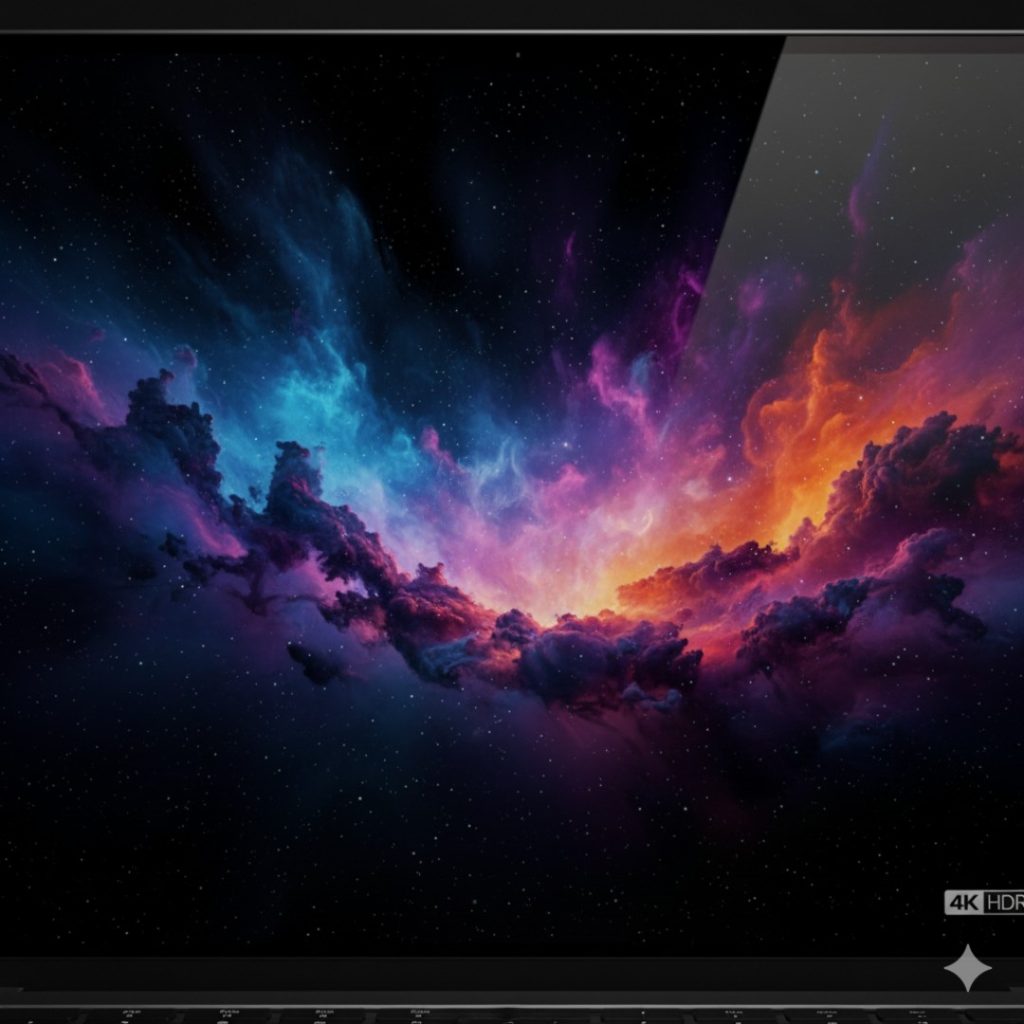
4. PERFORMANCE & GAMING: The M4 Pro Reality
I tested the M4 Pro (14-Core CPU, 20-Core GPU) variant. Here is the real-world truth:
- Daily Tasks: It laughs at 50 Chrome tabs. The fan has literally never turned on during my writing, emailing, or Slack usage.
- Creative Work: I edited a 4K 60fps stream in Premiere Pro with three layers of color grading. The playback was instant. No dropped frames. Exporting a 10-minute 4K video took just 3 minutes 12 seconds.
- Gaming (Yes, really): With the M4’s hardware-accelerated ray tracing, gaming on Mac is… okay-ish?
- Cyberpunk 2077 (Mac Port): playable at 45-50 FPS on Medium settings.
- Resident Evil 4: A solid 60 FPS.
- Verdict: It’s capable, but a ₹80,000 Asus TUF still games better.
5. CAMERA & AUDIO: Studio Quality?
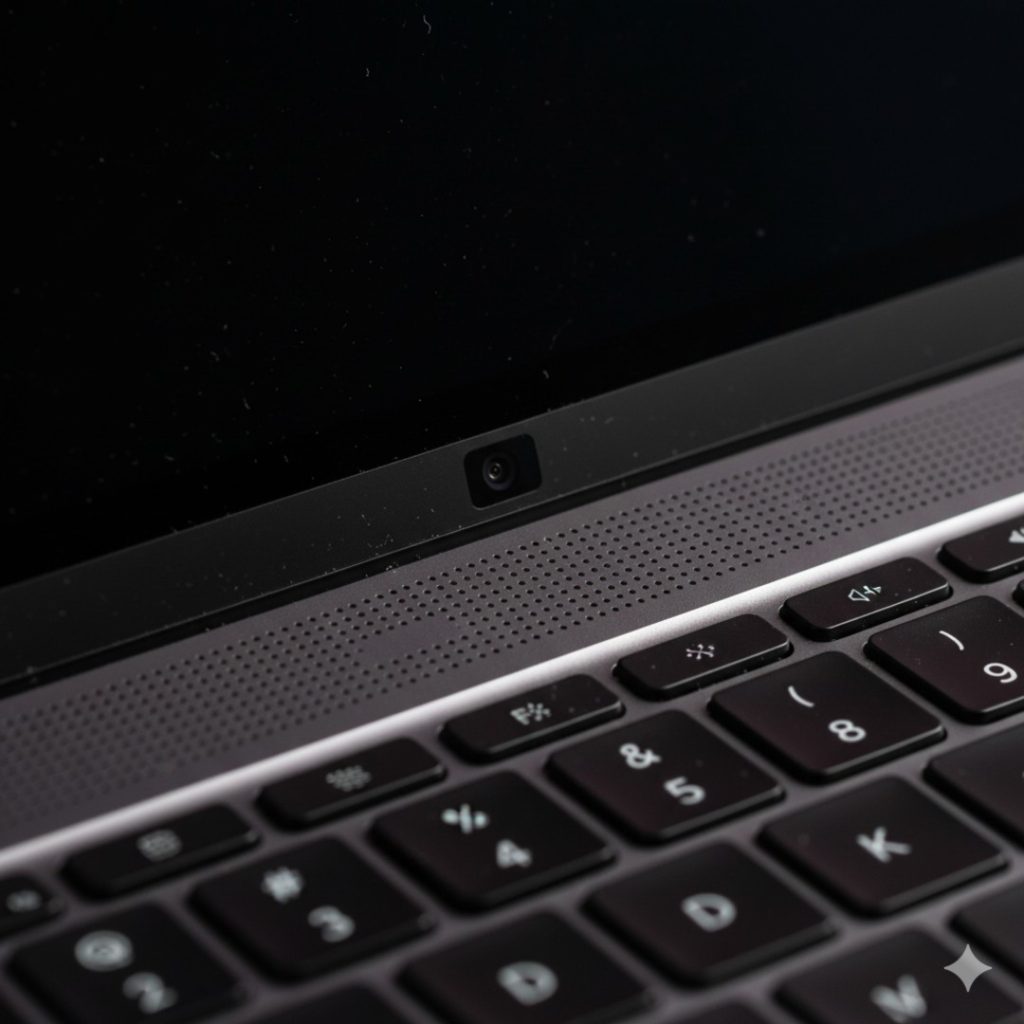
- Webcam: The 12MP Center Stage camera is fantastic. It follows you if you move around (a bit creepy, but useful). In low light, it doesn’t look like a potato anymore.
- Speakers: The six-speaker sound system is, without doubt, the best in any laptop. The bass actually thumps. You can watch a movie in a hotel room and genuinely enjoy the audio.
6. BATTERY & ENDURANCE: The 24-Hour Myth
Apple claims “up to 24 hours.” Let’s look at the Real World 2026 Data:
- Test: Screen at 50% brightness, WiFi on, looping 4K video.
- Result: 18 Hours 40 Minutes.
- Workday Test: Slack, Chrome (Heavy), Spotify, Zoom calls.
- Result: 14 Hours 15 Minutes.
The Truth: While it didn’t hit 24 hours, getting 14+ hours of real work is insane. You can leave your charger at home for a 2-day work trip if you are careful.
Read More : HP 15 AI Laptop
7. THE COMPETITION: MacBook Pro M4 vs The Windows Elite
We compared the 14-inch M4 Pro against its Windows arch-rivals.
| Feature | MacBook Pro 14 (M4 Pro) | Dell XPS 14 (2025) | Samsung Galaxy Book4 Ultra |
| Price | ₹1,99,900 | ₹2,15,000 | ₹2,30,000 |
| Processor | M4 Pro (14-core) | Intel Core Ultra 9 | Intel Core Ultra 9 |
| RAM | 24GB Unified | 32GB LPDDR5x | 32GB LPDDR5x |
| Battery (Real) | 14-15 Hours | 8-9 Hours | 9-10 Hours |
| Performance | Faster on Battery | Throttles on Battery | Throttles on Battery |
| Fan Noise | Silent (Mostly) | Audible | Jet Engine (Heavy Load) |
The Winner:
- For Raw Power on the Go: MacBook Pro M4. Windows laptops still throttle performance when unplugged; the Mac does not.
- For Touchscreen Lovers: Galaxy Book4 Ultra. Apple still refuses to give us a touch screen.
8. FINAL VERDICT: The “Safe” Bet
Rating: 4.8/5 Stars
The MacBook Pro M4 is boringly perfect. It solves the biggest issue of previous generations (low base RAM) and refines an already winning formula. In 2026, it remains the default choice for creators who value reliability over gimmicks.
Buy it if:
- You work unplugged: Nothing in the Windows world matches this performance-per-watt.
- You are a Video Editor/Coder: The Media Engine and 120Hz screen are productivity cheat codes.
- You want Resale Value: A 3-year-old Mac still sells for 50-60% of its value; Windows laptops do not.
Skip it if:
- You are a Hardcore Gamer: Buy an Alienware or build a PC.
- You only do Admin work: The MacBook Air M3/M4 is half the price and does 90% of the job.
- You need Windows-specific apps: Parallels is good, but native is better.
9. FAQs (People Also Ask)
Q: Is the base M4 model (14-inch) good enough for editing?
A: Yes! With the new 16GB Base RAM, the entry-level M4 model is finally “Pro” enough for 4K video editing and heavy multitasking. You no longer need to upgrade to the Pro chip unless you are a professional colorist or 3D artist.
Q: Does the MacBook Pro M4 support dual monitors?
A: The base M4 model now supports two external displays (with the lid closed). The M4 Pro and Max models support multiple displays even with the lid open.
Q: How fast is the charging?
A: With the 96W charger (included with Pro models), you can fast charge from 0% to 50% in just 30 minutes.
Q: Is the Space Black color scratch-resistant?
A: It is better than the Midnight Air, but silver is still the king of durability. If you hate micro-scratches near the ports, stick to Silver.

Leave a Comment
Your email address will not be published. Required fields are marked *