
iOS 26.3 Released in India: New Features, Security Fixes & Android Transfer
Apple has just released a major new update for iPhone users in India and across the world. The new software, iOS 26.3, is not just about fancy new features. It comes with a critical “red alert” security warning that every iPhone user needs to take seriously.
If you are holding an iPhone 11 or a newer model, you should stop scrolling and update your phone right now. Here is everything you need to know about the new update, the dangerous security flaw it fixes, and the cool new tools it brings to your device.
The “Zero-Day” Threat: Why This Update is Critical
Usually, iOS updates are about new emojis or design tweaks. But iOS 26.3 is different. Apple released this update to fix 39 security problems, and one of them is very dangerous.
Tech experts call this a “Zero-day” vulnerability. This means hackers were already using this trick to attack iPhones before Apple could fix it. The flaw was found in a part of the system called the “Dynamic Link Editor” (dyld).
In simple English, this security gap could allow hackers to take full control of your iPhone remotely. If they get in, they could potentially steal your photos, read your private messages, or even turn on your microphone without you knowing. This is why cyber experts in India are calling this an “urgent” install.
Check out more: Vivo V60e
New Features in iPhone iOS 26.3
Once you are safe from hackers, you will notice some useful changes in this version. Apple has added features that make the phone easier to use and more private.
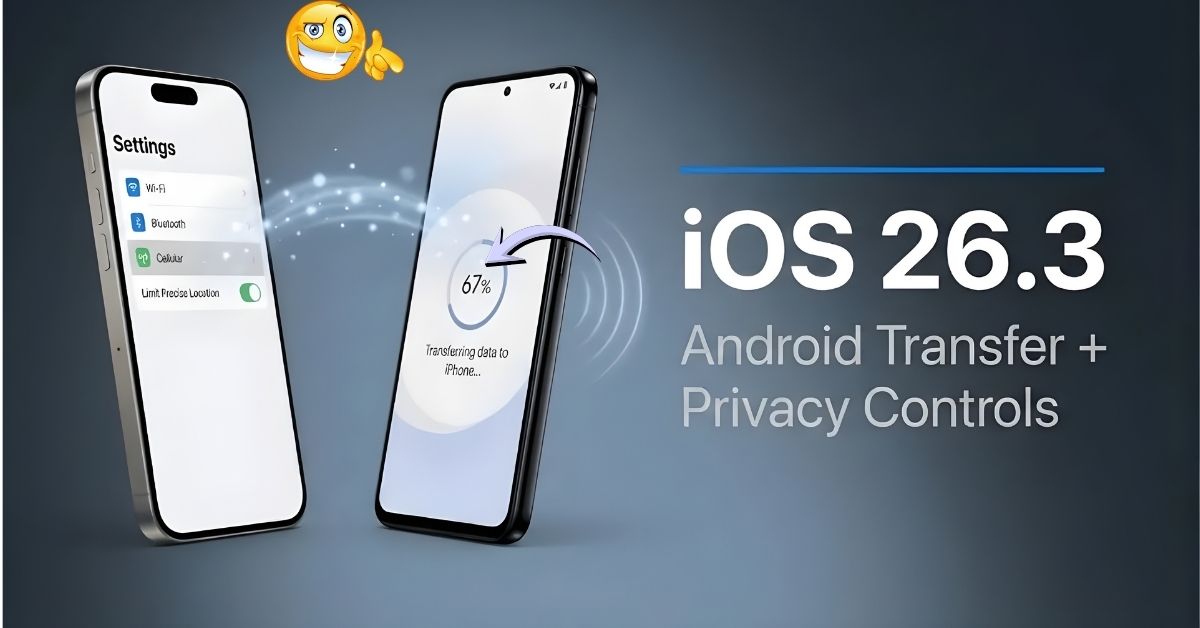
1. Transfer to Android Tool This is a big surprise. Apple has added a new option in Settings called “Transfer to Android.” In the past, moving data from an iPhone to an Android phone was a headache. Now, Apple allows you to wirelessly send your photos, videos, and contacts directly to an Android device. For many users in India who switch between brands like Samsung, OnePlus, and Apple, this is a very helpful tool.
2. “Liquid Glass” Customization When iOS 26 launched last year, it introduced the new “Liquid Glass” design (the semi-transparent look on your menus). Some users felt it was too hard to read. With iOS 26.3, you now have a slider in settings to adjust the “opacity.” You can make the glass look clearer or more solid, depending on what your eyes prefer.
3. Limit Precise Location Privacy is getting a boost. A new setting lets you hide your exact street address from mobile networks. When you turn this on, your iPhone will only tell the network the general area you are in, rather than your pinpoint location. This adds an extra layer of safety against tracking.
4. New Wallpaper Collections If you love customizing your Lock Screen, there is good news. Apple has separated the “Astronomy” and “Weather” wallpapers into their own categories. They have also added three new weather styles that change beautifully based on the climate outside.
How to Install the Update
Updating is simple and free. Follow these steps:
- Make sure your battery is above 50% or plug in your charger.
- Connect to Wi-Fi (the update is large).
- Go to Settings > General > Software Update.
- You should see “iOS 26.3”. Tap Download and Install.
If you do not see it yet, do not panic. The update is rolling out in batches across India, so checking again in a few hours usually works.
What is Coming Next? (Apple Pay India Rumors)
While iOS 26.3 is here now, rumors are already spreading about the next version, iOS 26.4. Tech leaks suggest that Apple is finally testing code for Apple Pay in India. This would allow Indian users to pay at shops just by tapping their iPhone, similar to how we use cards today. However, this is not confirmed yet. For now, the focus is on keeping your phone safe with 26.3.
Final Verdict: Do Not Wait
Ignoring this update is a risk you should not take. The security patches alone are worth the time it takes to restart your phone. Plus, the new “Transfer to Android” and privacy tools are genuinely useful.
Protect your data and enjoy the smoother experience. Update your iPhone to iOS 26.3 today.
Frequently Asked Questions (FAQs)
Q1: Is iPhone iOS 26.3 safe to install?
Yes, it is very safe. In fact, it is dangerous not to install it because it fixes serious security holes that hackers are using.
Q2: Will iOS 26.3 drain my battery?
It is normal for the battery to drain a little faster for the first 24 to 48 hours after a big update as the system organizes files in the background. After that, battery life should return to normal or even improve.
Q3: Which iPhones support this update?
iOS 26.3 is available for iPhone 11 and all newer models (iPhone 12, 13, 14, 15, 16, etc.). Older phones like the iPhone X are not supported.
Q4: Can I use the “Transfer to Android” feature to move WhatsApp chats?
Currently, the tool moves photos, videos, and contacts. For WhatsApp chats, you still need to use the specific WhatsApp transfer method inside the app.
Q5: What is the size of the update?
The size depends on your phone model, but it is generally between 800 MB and 1.5 GB. It is best to download it over Wi-Fi.
